Run Coding Agents in the Cloud Without Tying Up a Laptop
Keep coding agents running in VibeFlow Cloud Runners while you close your laptop, with clear branches, permissions, ownership, and stop conditions.
 Axiom Studio November 26, 2026 6 min read
On this page
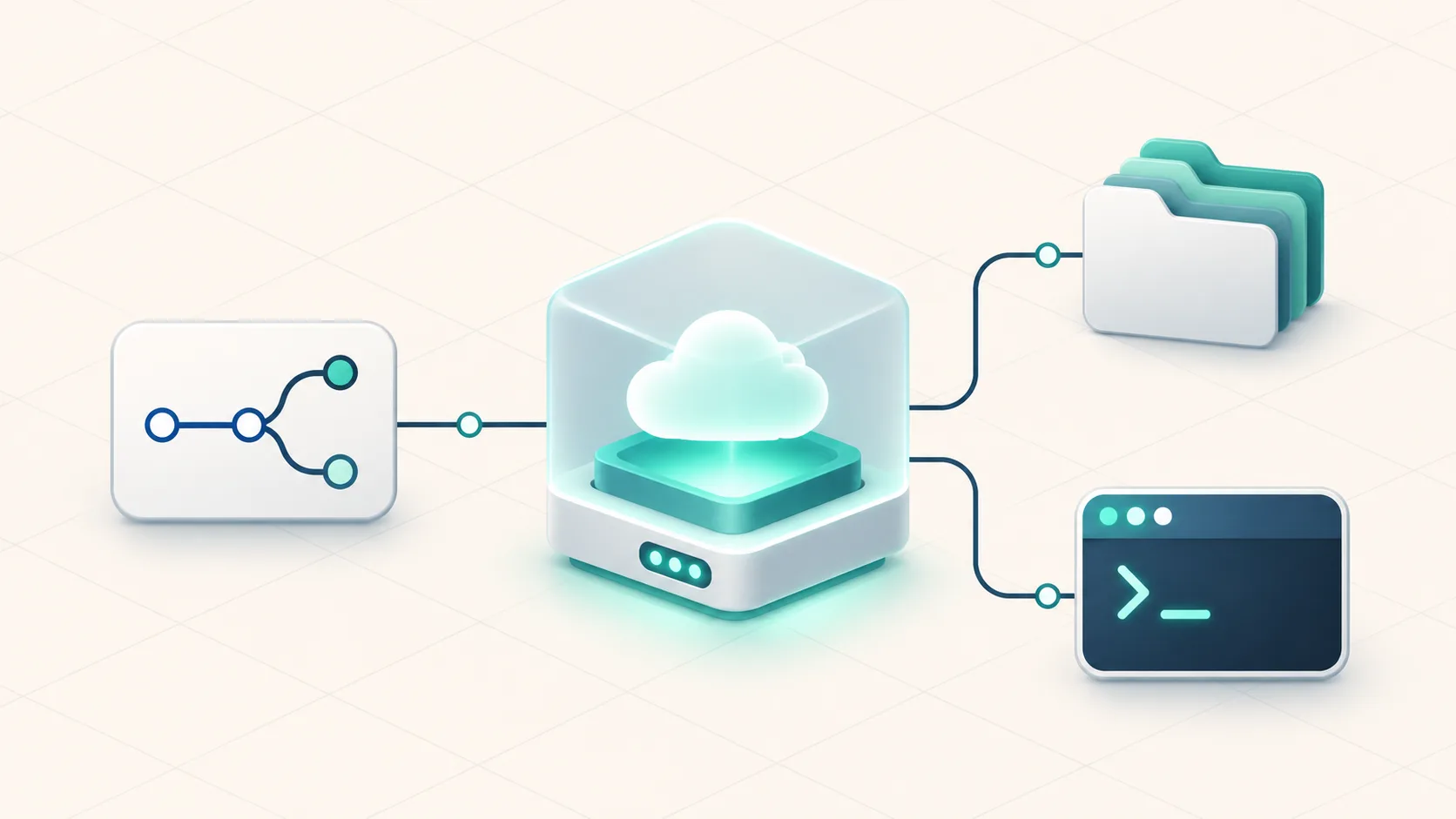
A long coding task should not end because a laptop sleeps. When you run coding agents in the cloud, a cloud runner gives the agent a machine that stays up while you close your editor. It also moves credentials, access, and running cost to a shared place. Set those rules before you launch.
What a cloud runner does
A cloud runner is a dedicated cloud pod that runs remote AI coding agents away from your laptop, so a long task keeps going after you close your editor. In VibeFlow’s Cloud Runners, the pod clones your repository and runs a Claude, Codex, or Cursor agent. Your VS Code extension is the control panel. You can see runner status, manage a session, attach a terminal, and stop it when the work is done. The feature is enabled per organization; if the Cloud Runners view is missing, ask your VibeFlow administrator.
A runner moves through pending, starting, active, stopping, stopped, or failed. That state is worth checking before you assume the agent is working. A pod that exists is not the same as a useful result.
Where cloud runners help
A cloud runner keeps a long task alive when a laptop sleeps or a network drops. The team can see its state in VibeFlow, and the owner can stop it when the work is done. A separate pod also keeps the agent’s work off a developer’s laptop. That can free local memory and CPU for editing, tests, and calls. It does not remove cloud cost or the need to check the code.
Use it for a test fix that may take many steps. Give the agent one failing test and a task branch. Let it inspect the failure, propose a patch, and run the test in the pod. A person still checks the diff and result.
Use it for a small upgrade across several files, such as changing a library call. Put the work on its own branch and set a clear stop point before review. For parallel tasks, give each runner a separate branch or worktree so agents do not edit the same files at once.
Use it when a teammate needs to leave their desk while an agent works. The runner can stay active through an IDE restart. The owner can return to VS Code, check status, open the pod terminal, and decide whether to keep, change, or stop the task. For moving the same task between a local terminal and the editor, see how to run one agent task from terminal and VS Code.
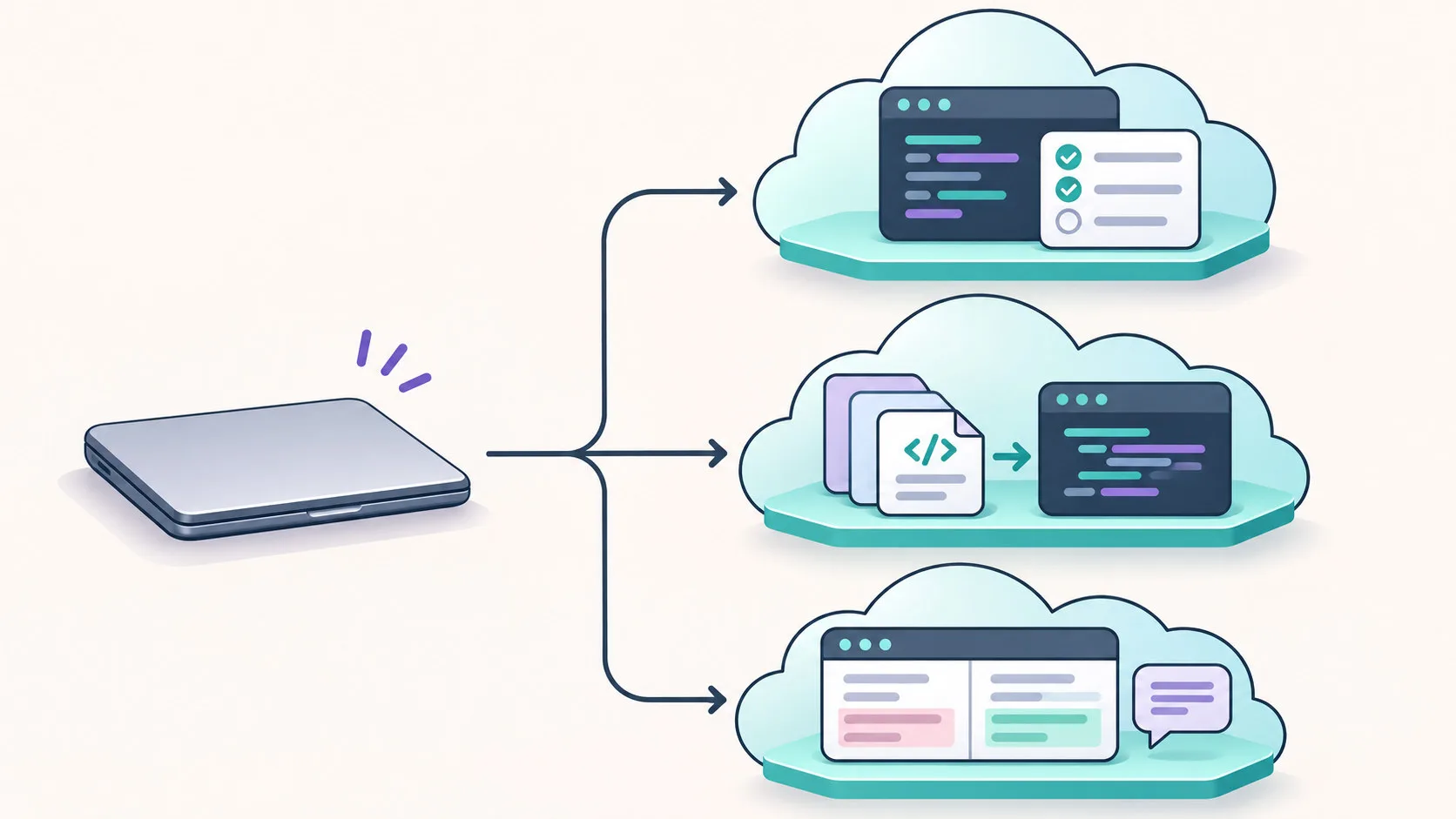
Three ways to use a cloud runner: fix a test, make a small upgrade, or keep a task running while your laptop is closed.
Set up one task end to end
Start with a narrow work item, such as fixing a test. Add a git credential so the runner can clone and push. In VibeFlow’s Work Items view, choose Cloud Runner. Give it a distinct name, select Claude, Codex, or Cursor, and choose API key or OAuth authentication. With an API key, the masked prompt sends it to the server; the docs say it is not stored locally. With OAuth, you finish sign-in on the runner later.
Choose a git provider and repository. After the pod becomes active, open Manage. Pick the cloned working directory, the VibeFlow project, and at least one persona. Set the session type, branch, worktree choice, permission mode, and gateway routing for the task. Launch only after the working directory, project, and persona are set.
The path is simple, and each step is an action a person can check:
- Create the runner.
- Authenticate.
- Clone the repository.
- Choose the project and persona.
- Set the branch and permissions.
- Launch.
- Review the result.
- Stop the runner.
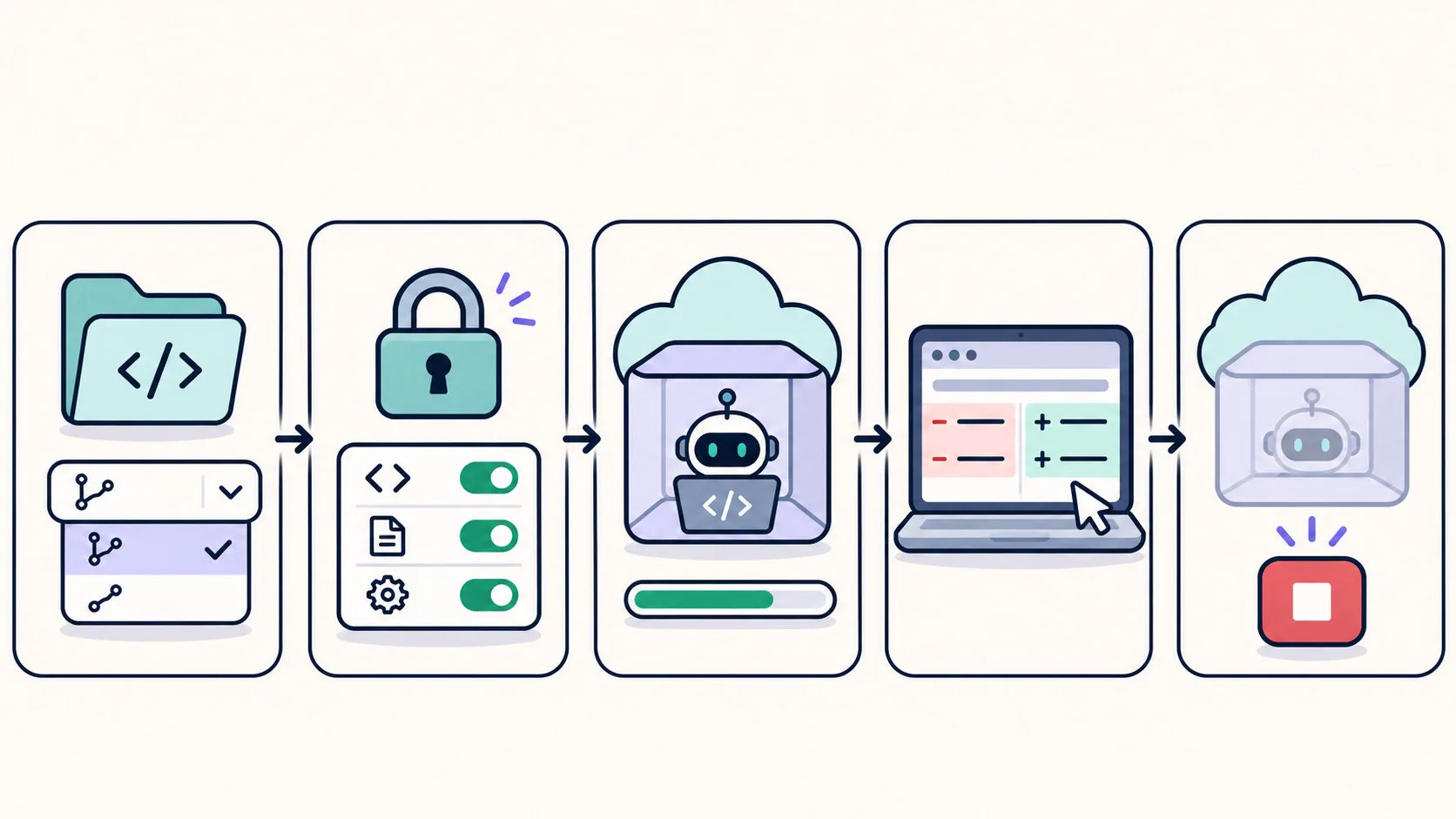
Cloud runner flow: choose the repo and branch, set access, run the agent, review the diff, then stop the pod.
Keep each agent on a safe branch
A cloud pod can keep working when your editor closes, so an unclear permission mode can last longer than you meant. Use a task branch and a worktree when parallel agents might edit the same repository; this coding agent branch isolation keeps their changes apart. Keep AI agent permissions narrow: give the agent only the repository and credentials it needs; the same least-privilege idea applies to tools, as covered in MCP tool policy by agent, user, task and environment. Keep a human review point before merge or deployment.
For example, an agent can work on a failing test in its own branch. It may read the files, make a patch, and run the test. The human checks the diff and test evidence before the branch moves forward. The cloud runner keeps the session alive; it does not approve the code.
Check access and cost
The runner’s creator or an organization admin can start, stop, delete, and open its terminal. Other users can see a permission error. Decide who owns each runner before the task starts. Record the repository, provider, project, branch, and owner in the work item. Shared agent workspaces need clear ownership for the same reason.
Cloud runner cost control starts with knowing that cloud time is a cost even when a model makes few calls. Count pod runtime, model usage, tool calls, retries, and review time. Set a stop condition for idle, failed, or finished work. Stopping a runner is safer than leaving a completed task running for days. For tracking model costs across teams, see AI spend management.
The terminal connects directly to the pod. Treat it as a live working machine: check the current directory and branch before making manual changes. Close the terminal tab to disconnect; use the runner controls to stop the pod.
When a runner fails
If the name was recently deleted, choose a new name. If Manage is unavailable, the pod may still be starting or already stopped. Start it and wait for active state. If management is denied, check whether you are the creator or an org admin. The official Cloud Runners guide lists these states and fixes.
A good first run is small. Pick one repository and one task, set a clear branch and owner, then compare the result with a local run. Keep the runner only if its continuity is worth the cloud cost and access work. VibeFlow can keep agents moving; your team still owns what ships.
Frequently Asked Questions
What is a cloud runner for coding agents?
A cloud runner is a dedicated cloud pod that clones a repository and runs a coding agent away from a developer's laptop. In VibeFlow, the runner keeps a session active while the team monitors its state, branch, permissions, and result.
Which coding agents can VibeFlow Cloud Runners run?
VibeFlow Cloud Runners run Claude, Codex, or Cursor agents in a dedicated cloud pod. You choose the agent and its authentication method, API key or OAuth, when you create the runner.
How do you set up a VibeFlow Cloud Runner?
Create a runner, authenticate, clone the repository, choose the project and persona, set the branch, worktree, permission mode, and gateway routing, then launch it. Review the diff and test evidence before stopping or merging the work.
How should teams control cloud runner access and cost?
Give each runner a clear owner, use the smallest repository and credential scope that works, keep agents on task branches or separate worktrees, and set a stop condition. Count pod runtime, model usage, tool calls, retries, and review time.
What should you do when a cloud runner fails?
Check whether the runner is still starting or already stopped, choose a new name if the previous one was deleted, and confirm that the creator or organization admin has management access. Start it again, wait for active state, and compare the result with a small local run.
Written by
Axiom Studio