How Vibecoding Agents Leverage MCP Tools
Vibecoding agents don't just write code — they use MCP tools to read files, run tests, query APIs, and push commits. Here's how agents chain MCP tool calls to accomplish real development tasks.
 AXIOM Team April 4, 2026 12 min read
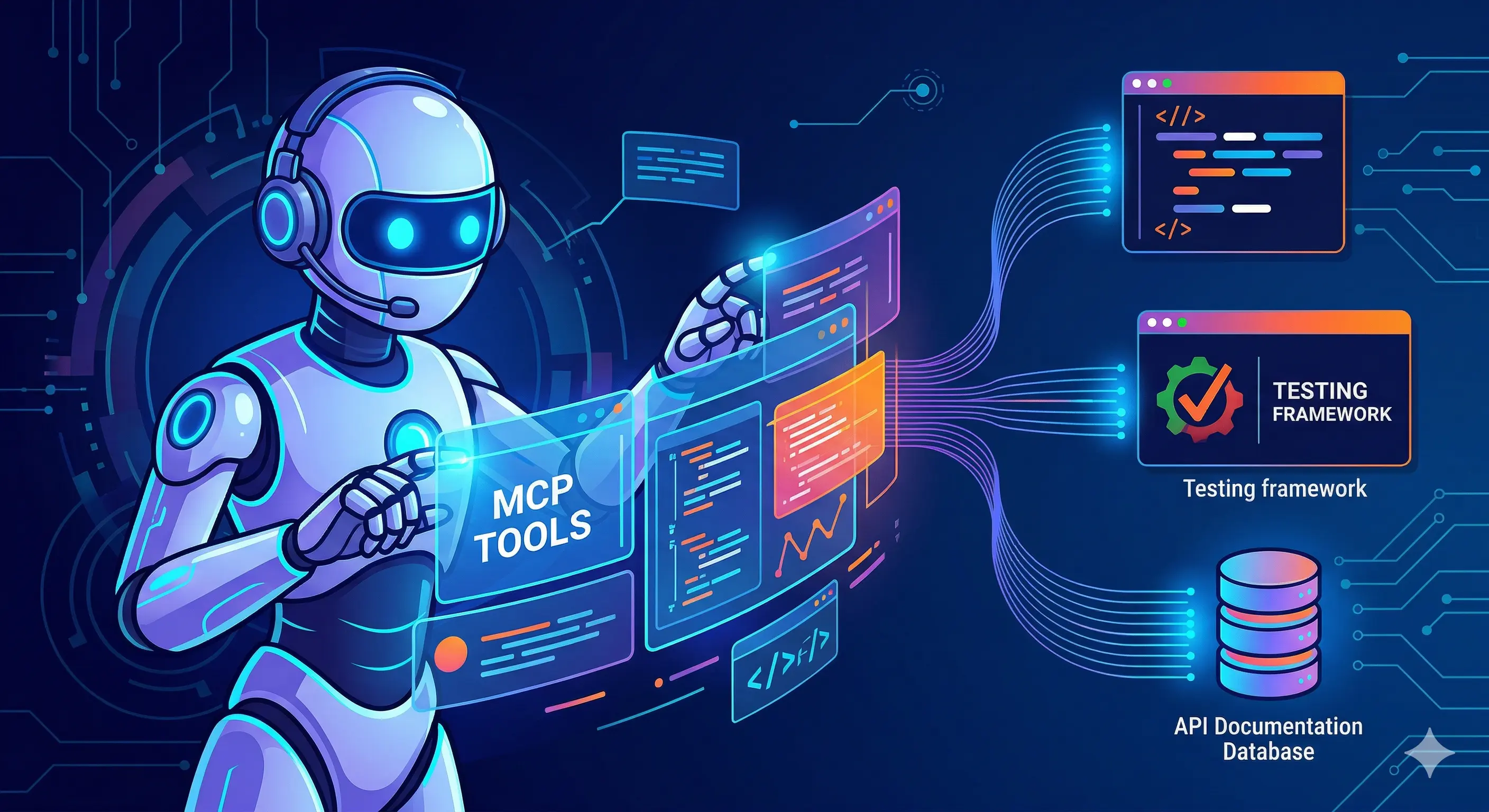
A vibecoding agent isn’t just a better autocomplete. It’s a reasoning loop that can read your codebase, run your tests, query your APIs, open pull requests, and update your issue tracker — all within a single conversation turn. The infrastructure that makes this possible is the Model Context Protocol (MCP).
This article examines how vibecoding agents use MCP tools in practice: which tool categories matter, how agents chain tool calls to accomplish tasks, and the patterns that make agents effective versus unreliable.
[IMAGE: Vibecoding agent loop diagram — user intent → LLM reasons → MCP tool calls → results fed back → LLM responds]
What Makes a Vibecoding Agent Different
Traditional code assistants (early Copilot, ChatGPT with code generation) operated in a read-only context: they could see what you pasted, but they couldn’t look at the rest of your codebase, run your tests, or check your CI pipeline.
A vibecoding agent operates with write access to a live environment. It can:
- Traverse your entire repository
- Execute arbitrary shell commands
- Interact with external services (GitHub, Jira, Slack)
- Maintain state across multi-step tasks
MCP is the protocol layer that makes each of these capabilities available to the agent in a structured, auditable way. Rather than giving the agent a raw shell, each capability is exposed as a typed MCP tool with defined inputs, outputs, and error semantics.
The Core MCP Tool Categories for Coding Agents
1. Filesystem Tools
The most fundamental category. Filesystem tools let the agent read, write, and navigate the codebase. The official MCP filesystem server exposes:
| Tool | What it does |
|---|---|
read_file |
Read a file’s complete contents |
read_multiple_files |
Read several files in one call |
write_file |
Create or overwrite a file |
edit_file |
Apply targeted edits (search/replace) |
list_directory |
List directory contents |
directory_tree |
Recursive tree of a directory |
search_files |
Regex search across files |
get_file_info |
Metadata: size, modified time, permissions |
A coding agent navigating an unfamiliar codebase will typically start with directory_tree to understand structure, then read_file on key files (package.json, README, main entry points). It builds a mental model before touching anything.
User: "Add input validation to the user registration endpoint"

Agent tool calls:
1. directory_tree({ path: "src" })           → understand project structure
2. search_files({ pattern: "register", path: "src" })  → find the endpoint
3. read_file({ path: "src/routes/auth.ts" })  → read the endpoint
4. read_file({ path: "src/models/user.ts" })  → understand the User model
5. read_file({ path: "src/middleware/validate.ts" })  → check existing validation
6. edit_file({ path: "src/routes/auth.ts", ... })     → apply validation
7. read_file({ path: "src/routes/auth.ts" })  → verify the change looks right
Seven tool calls before any text response to the user. The agent reads before it writes.
[IMAGE: Filesystem tool call sequence for a feature addition task]
2. Git Tools
Git tools let the agent interact with version control — checking status, viewing history, staging changes, and creating commits. The MCP Git server exposes:
| Tool | What it does |
|---|---|
git_status |
Working tree status |
git_diff |
Show unstaged changes |
git_diff_staged |
Show staged changes |
git_log |
Commit history with messages |
git_commit |
Create a commit with a message |
git_add |
Stage files |
git_create_branch |
Create a new branch |
git_checkout |
Switch branches |
git_show |
Show a specific commit’s diff |
A well-behaved agent uses Git tools to validate its own work. After making changes with filesystem tools, it runs git_diff to review what it actually changed before committing. This is the agent equivalent of git diff before git commit — a sanity check.
# After editing src/routes/auth.ts:
8. git_diff({ repo_path: "." })    → review actual changes
9. git_add({ repo_path: ".", files: ["src/routes/auth.ts"] })
10. git_commit({ repo_path: ".", message: "Add input validation to register endpoint" })
3. Shell / Process Execution Tools
The most powerful and most dangerous category. Shell tools let the agent run arbitrary commands: npm test, python manage.py migrate, docker build, curl. The MCP Bash server and similar implementations expose an execute_command tool.
{
  "name": "execute_command",
  "description": "Execute a shell command and return stdout, stderr, and exit code",
  "inputSchema": {
    "type": "object",
    "properties": {
      "command": { "type": "string" },
      "working_directory": { "type": "string" },
      "timeout_seconds": { "type": "number" }
    },
    "required": ["command"]
  }
}
Agents use shell tools for:
- Running tests:
npm test,pytest,go test ./... - Type checking:
tsc --noEmit,mypy src/ - Linting:
eslint src/,ruff check . - Building:
npm run build,cargo build - Database operations: migrations, seed scripts
- Dependency management:
npm install,pip install
The test-and-fix loop is one of the most powerful patterns in vibecoding:
11. execute_command({ command: "npm test" })
    → 2 tests failing: "email must be valid", "password too short"
12. read_file({ path: "src/routes/auth.ts" })
    → review validation logic
13. edit_file({ path: "src/routes/auth.ts", ... })
    → fix the validation regex
14. execute_command({ command: "npm test" })
    → all tests passing
The agent iterates until green. Each test run costs one MCP call and injects the full output into context.
Shell tools require careful sandboxing in production. Without constraints, execute_command({ command: "rm -rf /" }) is a valid invocation. Production deployments either run agents in isolated containers, restrict commands to an allowlist, or route through an MCP gateway that enforces command-level policies.
4. GitHub / GitLab API Tools
Source control platform tools let agents interact with the collaborative layer on top of Git: pull requests, issues, code review comments, CI status. The official MCP GitHub server exposes:
| Tool | What it does |
|---|---|
create_pull_request |
Open a PR with title, body, base/head branches |
create_issue |
Create a new issue |
add_pull_request_review_comment |
Comment on a specific line of a PR diff |
get_pull_request |
Fetch PR details and status |
list_pull_requests |
List open PRs |
merge_pull_request |
Merge a PR |
search_code |
Search code across the repo via GitHub’s API |
get_file_contents |
Read a file via GitHub API (no local clone needed) |
A complete vibecoding workflow uses GitHub tools for the full cycle:
# After local changes pass tests:
15. git_create_branch({ name: "feat/registration-validation" })
16. git_checkout({ branch: "feat/registration-validation" })
17. git_add / git_commit (staged changes)
18. execute_command({ command: "git push origin feat/registration-validation" })
19. create_pull_request({
      title: "Add input validation to user registration",
      body: "Validates email format and password length. All tests passing.",
      head: "feat/registration-validation",
      base: "main"
    })
[IMAGE: Full development cycle: edit → test → commit → PR]
5. Browser / Web Tools
Browser automation tools let agents interact with web UIs and APIs. The MCP Puppeteer server exposes:
| Tool | What it does |
|---|---|
puppeteer_navigate |
Navigate to a URL |
puppeteer_screenshot |
Take a screenshot |
puppeteer_click |
Click an element |
puppeteer_fill |
Fill a form field |
puppeteer_evaluate |
Execute JavaScript |
puppeteer_select |
Select dropdown option |
Coding agents use browser tools for:
- Visual regression checking: Navigate to localhost, screenshot, compare to baseline
- E2E test execution: Walk through user flows to verify behavior
- API documentation reading: Navigate to Swagger UI or docs pages
- Error reproduction: Click through a reported bug sequence
6. Database Tools
Database MCP servers let agents query and inspect data. The official MCP Postgres server exposes query (read-only SQL execution) and list_tables. Custom implementations add write operations, schema inspection, and migration tools.
# Debugging a data integrity issue:
1. query({ sql: "SELECT COUNT(*) FROM users WHERE email IS NULL" })
   → 47 rows with null email
2. query({ sql: "SELECT id, created_at FROM users WHERE email IS NULL LIMIT 5" })
   → all created before 2026-01-15 (before email requirement was added)
3. read_file({ path: "src/migrations/001_add_email.sql" })
   → migration did not backfill existing rows
Tool Chaining Patterns
Effective vibecoding agents don’t call tools in isolation — they chain them in patterns that mirror how experienced developers work.
The Read-Before-Write Pattern
Never modify a file without first reading its current contents. This prevents agents from overwriting unrelated code or making changes that conflict with existing logic.
read_file → understand current state → edit_file → read_file → verify changeThe Test-Driven Fix Pattern
When fixing a bug: write a test that reproduces it first (or confirm an existing test fails), then implement the fix, then confirm the test passes. This ensures the fix actually addresses the failure.
execute_command("npm test") → identify failing test
→ read relevant source files
→ edit source file
→ execute_command("npm test") → verify passing
The Explore-Then-Act Pattern
On unfamiliar codebases, build a map before modifying anything:
directory_tree → search_files → read_multiple_files → git_log → then actReading 10 files before writing one is not slowness — it’s correctness.
The Validate-Before-Commit Pattern
Before every commit, review the diff:
git_diff → review all changes → git_diff_staged → git_commitAgents that commit without reviewing diffs sometimes commit debugging artifacts, secrets embedded during testing, or unintended side-effect changes.
[IMAGE: Pattern diagram showing read-before-write and test-driven fix loops]
Context Management: The Token Ceiling Problem
Each MCP tool result is injected into the agent’s context window. A large repository traversal — directory_tree on a monorepo, read_file on a 2000-line file, full test output from a large test suite — can quickly fill the available context.
Effective agents manage context actively:
Selective reading: Use search_files to find exactly the relevant code before reading it, rather than reading entire directories.
Result truncation: Configure MCP servers to return truncated results for large outputs. A test runner might return only failing tests, not all 500 passing ones.
Focused scope: Scope directory_tree to the specific subdirectory relevant to the task, not the entire repo root.
Progressive loading: Read only the files you need, when you need them — not all at once at the start of the task.
For an in-depth treatment of token management in MCP, see Reducing Token Utilization When Building MCP Tools.
Error Handling in Tool Chains
MCP tool calls can fail. Files don’t exist, commands exit non-zero, API calls rate-limit. Robust agents handle errors explicitly rather than ignoring them.
When the MCP server returns "isError": true in the tool result, a well-designed agent:
- Reads the error message carefully
- Considers whether the error is recoverable (file not found → search for the right path) or terminal (permission denied → report to user)
- Adjusts strategy — search for the correct path, try an alternative command, or surface the blocker
read_file({ path: "src/config.ts" }) → isError: true, "file not found"
→ search_files({ pattern: "config", path: "src" }) → finds "src/config/index.ts"
→ read_file({ path: "src/config/index.ts" }) → success
Agents that silently swallow errors or hallucinate file contents when reads fail are dangerous in production code contexts.
Security Boundaries
MCP servers are the security boundary between the agent and the system. Each server should enforce its own constraints:
- Filesystem server: Restrict to a list of allowed root directories passed at startup. Reject path traversal attempts (
../../etc/passwd). - Git server: Scope to a specific repository directory.
- Shell server: Either sandbox in a container, allowlist permitted commands, or require explicit user confirmation for destructive operations.
- GitHub server: Scope permissions to the minimum required — read-only for analysis tasks, write only for tasks that need it.
In enterprise environments, all MCP traffic routes through a gateway that enforces org-wide policies regardless of what individual servers allow. See Axiom Studio’s MCP Gateway for the enterprise control plane pattern.
Putting It Together: A Full Vibecoding Session
Here’s a realistic 24-tool-call sequence for “Add rate limiting to the login endpoint”:
1.  directory_tree("src")                          → map structure
2.  search_files("login", "src")                   → find endpoint
3.  read_file("src/routes/auth.ts")                → read login handler
4.  search_files("rate.?limit", "src")             → find existing rate limiting
5.  read_file("src/middleware/rateLimit.ts")        → existing implementation
6.  read_file("package.json")                      → check available deps
7.  execute_command("npm ls express-rate-limit")   → verify package installed
8.  read_file("src/app.ts")                        → see middleware registration
9.  edit_file("src/routes/auth.ts", ...)           → add rate limit to login
10. git_diff(".")                                  → review changes
11. execute_command("npm test -- auth")            → run auth tests
    → 1 test failing: "should return 429 after 5 attempts"
12. read_file("src/routes/auth.ts")                → review implementation
13. edit_file("src/routes/auth.ts", ...)           → fix windowMs config
14. execute_command("npm test -- auth")            → all passing
15. execute_command("npm test")                    → full suite passing
16. git_add("src/routes/auth.ts")
17. git_commit("Add rate limiting to login endpoint (5 req/15min)")
18. git_create_branch("feat/login-rate-limiting")
19. git_checkout("feat/login-rate-limiting")
20. execute_command("git push origin feat/login-rate-limiting")
21. create_pull_request(...)                       → PR opened
22. get_pull_request(...)                          → verify PR created
Twenty-two tool calls, zero hallucinated file contents, test-verified before commit.
Further Reading
- MCP Servers Reference Implementations — official filesystem, git, GitHub, Postgres, Puppeteer servers
- What is MCP? How LLMs Use the Model Context Protocol — protocol fundamentals
- Writing Efficient MCP Implementations — server design best practices
- Anthropic Tool Use Guide — how Claude handles tool calls
- Axiom Studio MCP Gateway — enterprise governance for MCP tool traffic
Written by
AXIOM Team