Agent Workflows in Enterprise Software Development
Single-agent prompting got you a productive autocomplete. Multi-agent workflows turn coding agents into a coordinated team — and that's a different engineering problem.
 AXIOM Team May 3, 2026 9 min read
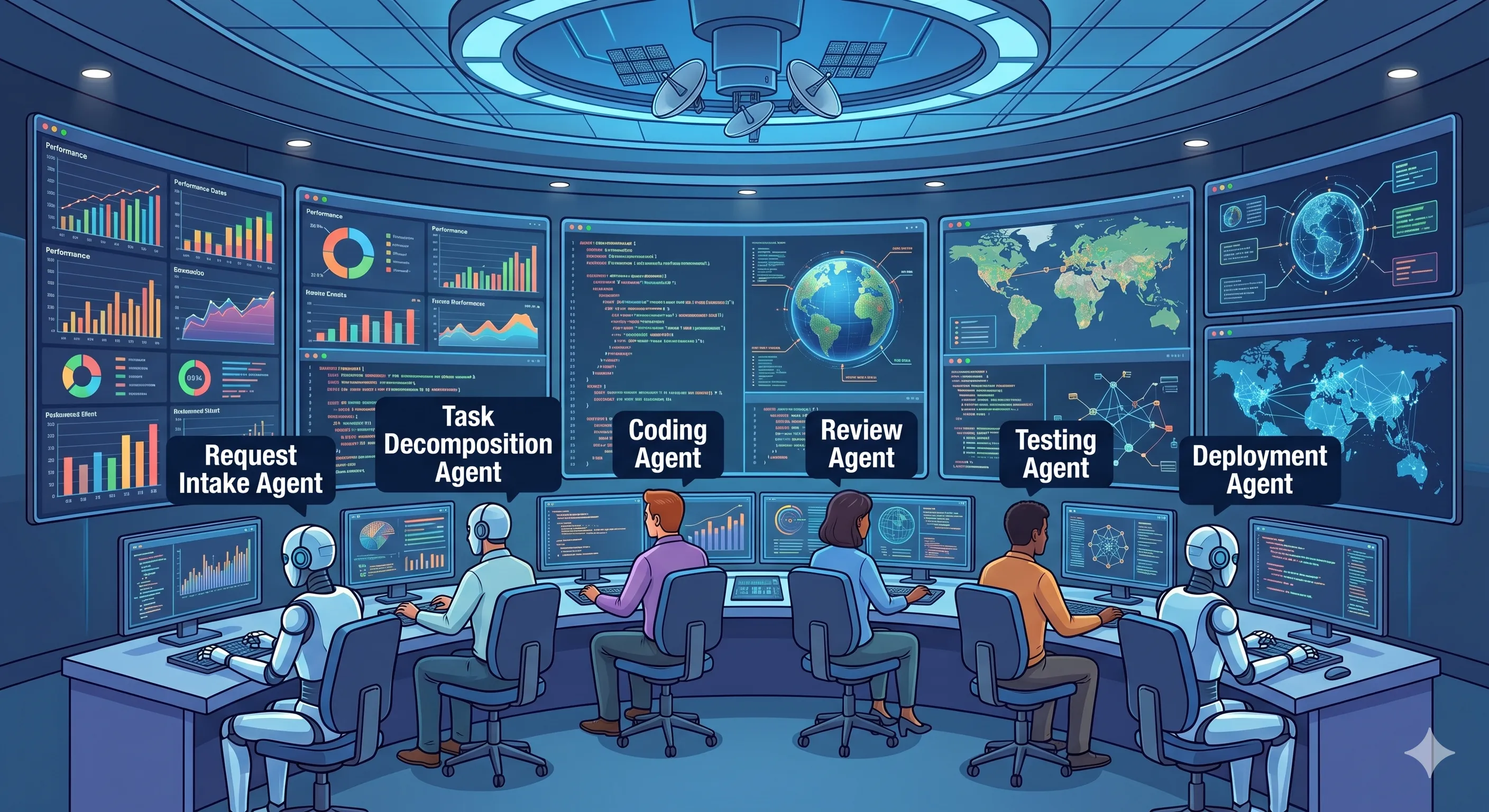
A single coding agent at a single prompt is autocomplete with attitude. It is fast, often correct, and entirely opaque about how it arrived at the answer. That works for one developer at one keyboard. It does not scale to a team of fifty engineers shipping a regulated product. The shape of the problem changes — from “how do I get useful output from a model” to “how do I run a pipeline of models with different responsibilities, hand work between them, and prove every step happened in the right order.”
That pipeline is an agent workflow. Anthropic’s Building Effective Agents guide draws the same distinction — between simple workflows (LLMs orchestrated through predefined code paths) and fully autonomous agents — and recommends that production systems start with the predictable end of the spectrum. Enterprise software development is exactly where that recommendation matters: a workflow you can read, version, and audit beats a black-box autonomous agent every time.
What an Agent Workflow Looks Like
The minimum-viable workflow for any non-trivial software change has four roles, executed in order, each with a well-defined input and output.
sequenceDiagram
    participant A as Architect Agent
    participant D as Developer Agent
    participant Q as QA Agent
    participant S as Security Agent
    participant H as Human Reviewer
    A->>D: Design doc + acceptance criteria + file targets
    D->>Q: Diff + tests + execution log
    Q->>S: Verified diff + coverage report
    S->>H: Security findings + audit record
    H-->>D: (optional) revision request
Each step’s output is the next step’s input — and only its input. The architect agent doesn’t get to write code. The developer doesn’t get to claim a change is secure. The QA agent doesn’t get to bypass test thresholds. The security agent doesn’t get to mark something approved without producing an evidence record. That separation is not bureaucracy; it’s how you keep one agent’s overconfidence from contaminating the entire chain.
The same pattern shows up in every serious agent framework — LangGraph models it as a directed graph of nodes; CrewAI calls them sequential or hierarchical processes; Microsoft AutoGen calls them group-chat patterns. The vocabulary differs; the structure is identical: typed roles, explicit handoffs, observable state.
Why Workflows Beat Ad-Hoc Agent Usage
Ad-hoc usage looks productive in the moment. You prompt, the agent responds, you ship. The hidden cost is everything you don’t write down: which agent did what, what context it had, what it chose not to do, and why the next change broke a thing it had already touched.
| Concern | Ad-hoc agent prompting | Structured workflow |
|---|---|---|
| Reproducibility | “It worked last time” | Same inputs → same path |
| Auditability | Chat transcript (if saved) | Typed handoffs + execution log per role |
| Failure isolation | Agent silently swallows errors | Each role has explicit failure handling |
| Cost attribution | One blob | Per-role token + model accounting |
| Onboarding cost | Tribal knowledge | The workflow IS the documentation |
| Compliance evidence | Reconstructed after the fact | Generated as a side-effect of execution |
The pattern matters even more for AI-generated code than for human work, because the artifact is fluent by construction — a clean diff implies a competent author, and ad-hoc agent output looks competent whether or not it is. We’ve covered the failure mode in detail in Quality Gates for AI-Generated Code — workflows are how you put the gates in the right place.
Designing Agent Workflows
Four design decisions determine whether a workflow stays useful as it scales.
1. Role definition. Every role gets a single responsibility. “Architect” produces a design doc with acceptance criteria; it does not write code. “Developer” turns the design into a diff; it does not claim the change is tested. “QA” runs and extends the test suite; it does not approve security. Treat the role boundary as a type signature — if a role’s output drifts, you are losing the single-responsibility property.
2. Handoff points. A handoff is a payload, not a chat. The payload is structured: input artifact, expected output artifact, validation rules. The receiving role MUST be able to reject the handoff with a typed error (“design doc missing acceptance criteria for path X”) rather than charging ahead with a degraded input. Frameworks like LangGraph encode this as edge conditions; in plain code it’s a pydantic or zod schema validating each transition.
3. Context passing. Each role needs just enough context to do its job. The architect needs the requirement and the codebase map. The developer needs the design doc, the file list, and the directly affected callers — not the architect’s full reasoning trace. Over-passing context is how agent workflows go from cheap to expensive: token costs in chained calls compound multiplicatively. Anthropic’s effective-agents writeup makes the same point — narrow the context to what the next step actually needs.
4. Failure handling. Define what happens when a role fails. Retry with the same input? Retry with a refined prompt? Escalate to a human? Roll back? Make this an explicit branch in the workflow, not a try/except buried in code. The workflow should read like a state machine.
Visual Builders vs Code-Defined Workflows
Both shapes are legitimate. Picking the wrong one for your team is how organizations end up with a graveyard of half-built orchestration tools.
| Property | Visual builder | Code-defined |
|---|---|---|
| Authoring audience | PMs, ops, mixed teams | Engineers |
| Diffing & code review | Screenshot diffs (poor) | Native git diff (good) |
| Branching / loops | Limited or fiddly | Full control |
| Version history | Tool-dependent | Git-native |
| Observability | UI-driven | Logs/traces, but you own them |
| Time to first workflow | Minutes | Hours |
| Cost of a 10th workflow | Same as first | Drops fast (shared abstractions) |
Use visual builders when the audience extends beyond engineers, when the workflows are bounded and changes are infrequent, and when fast iteration matters more than git-native review. Use code-defined workflows for engineering-owned pipelines that change weekly, need branching/loops, or live next to the codebase they orchestrate. Many teams end up with both: a visual layer for cross-team workflows (n8n or AI Studio for ops/PM-led automation) and a code layer for engineering-owned ones (LangGraph or AutoGen alongside the codebase).
Three Real-World Workflow Patterns
The structures below are the patterns we use internally and see in customer deployments. Each one is described as roles + handoffs because that’s what makes the workflow portable.
---
title: Feature Implementation
---
flowchart LR
    F1[PM Agent] --> F2[Architect Agent]
    F2 --> F3[Developer Agent]
    F3 --> F4[QA Agent]
    F4 --> F5[Security Agent]
---
title: Bug Triage
---
flowchart LR
B1[Triage Agent] --> B2{Severity?}
B2 -->|P0/P1| B3[Developer Agent]
B2 -->|P2/P3| B4[Backlog]
B3 --> B5[QA Agent]---
title: Security Review
---
flowchart LR
S1[Security Agent] --> S2{Findings?}
S2 -->|yes| S3[Issue Filer]
S2 -->|no| S4[Approve]- Feature implementation — five roles, linear. Adds back-pressure: any role can reject the upstream payload with a typed error and the workflow won’t move forward. This is the pattern that maps cleanly to SOC 2 and NIST AI RMF Manage controls because the role separation IS the control evidence.
- Bug triage — branching workflow with severity-based routing. The triage agent’s only job is to classify and route. Misclassifying a P0 as a P3 is the failure mode you must guard against; the gate is a human spot-check on a sampled subset of triage decisions.
- Security review — short workflow that produces a binary decision plus an evidence record. The Issue Filer step exists because “no findings” and “findings but ignored” must be distinguishable in the audit log.
The teams that ship fastest with agent workflows are the ones that resist the urge to invent a brand-new workflow per change. Three or four well-tuned patterns cover most of the day.
How AI Studio Implements the Workflow Layer
AI Studio is the visual workflow platform in the Axiom suite. It expresses each pattern above as a graph of typed agents with explicit handoffs, runs them against the same execution backend VibeFlow uses for its own pipeline (planning → implementing → security review → QA → done), and produces the audit record as a side-effect of execution. Engineering managers can read more on the operational implications at /for/engineering-managers; platform teams own the runtime concerns at /for/platform-teams.
The two design choices that matter:
- Workflows are declarative artifacts — the visual graph and the underlying spec are isomorphic, and both are versioned. A workflow change is a reviewable artifact, not a knob someone twiddled in a UI.
- Roles are typed — the architect role’s output schema is fixed; downstream roles validate it before consuming it. Misshaped handoffs fail fast at the boundary, not deep inside a developer agent’s prompt.
Stop Prompting; Start Designing
Agent workflows are software. They have inputs, outputs, state transitions, failure modes, and cost characteristics. Treat them as ad-hoc prompts and they will rot the way every undocumented integration in your codebase has rotted before. Treat them as designed systems — typed roles, explicit handoffs, narrow context, declared failure handling — and they become the most leveraged piece of infrastructure your engineering team owns.
Start with one workflow: pick the change shape your team ships most often, draw four boxes, and write the inputs and outputs of each. That diagram is your first agent workflow. Make it run. Then make it auditable. Then make it boring.
Ready to design yours? Explore AI Studio for the visual workflow layer or VibeFlow for the engineering-owned pipeline — and start free.
Written by
AXIOM Team