The VP Engineering Checklist for Governing AI Tools Across Dev Teams
A practical checklist for engineering leaders governing AI tool sprawl: inventory, ownership, permissions, review gates, audit logs, compliance evidence, routing, and adoption metrics.
 AXIOM Team July 3, 2026 13 min read
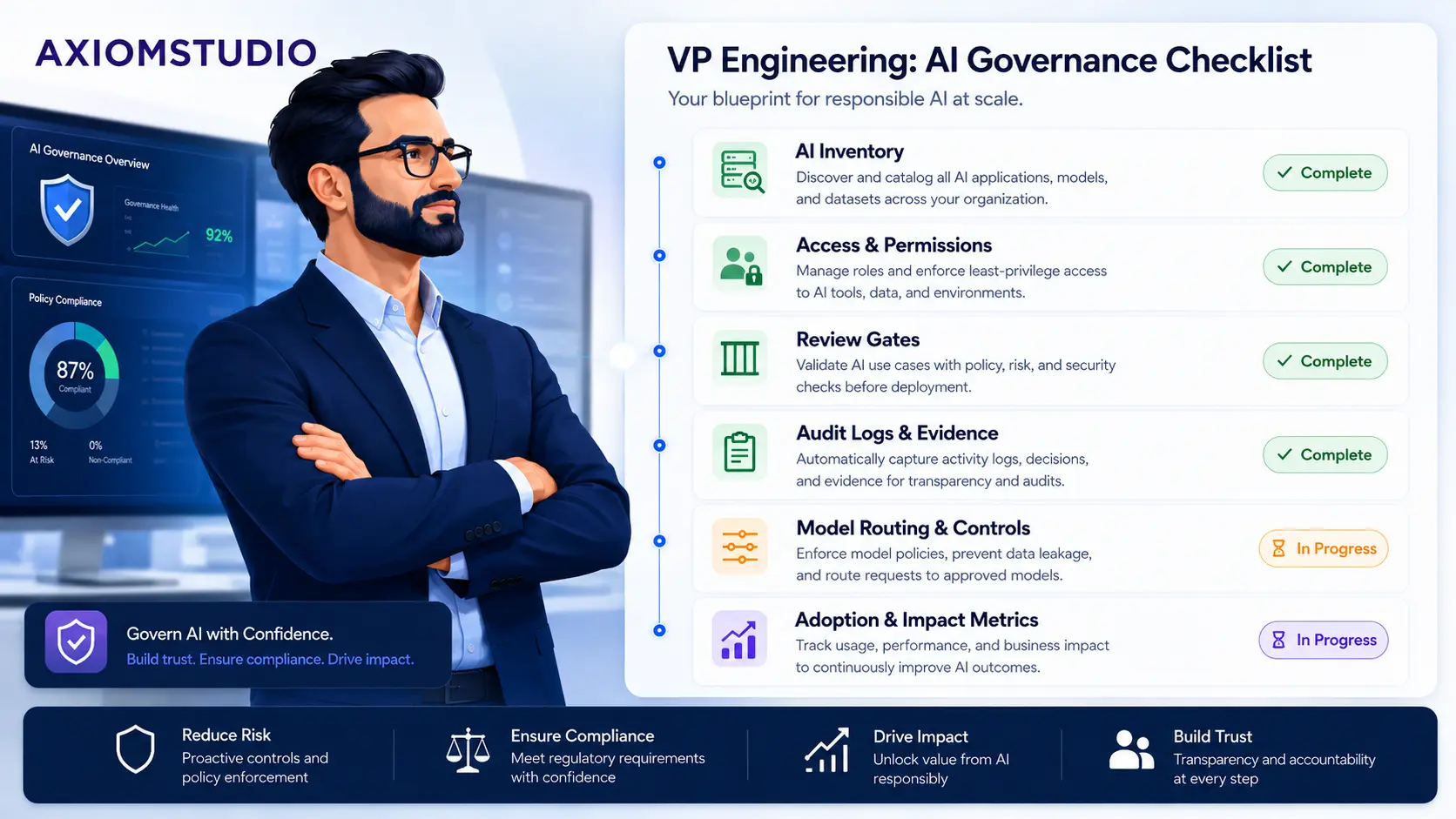
Every VP of Engineering eventually gets the same uncomfortable AI question: “Which tools are our developers using, and can we prove they are under control?”
The answer is often less clear than leadership expects.
One team uses GitHub Copilot. Another uses Cursor. A senior engineer runs Claude Code locally. A platform team experiments with autonomous agents. Product managers paste requirements into a hosted assistant. A security engineer builds a private workflow with a different model provider. None of these choices is automatically bad. The risk is that the organization adopts AI faster than it adopts the operating model around AI.
That is shadow AI in the engineering organization: useful tools, real productivity gains, and a weak control plane.
This checklist gives engineering leaders a practical way to govern AI tools across dev teams without turning the rollout into a procurement freeze. The goal is not to ban experimentation. The goal is to make tool usage visible, route sensitive work through governed systems, and produce evidence that can survive security review, customer diligence, and compliance audits.
For the broader concept, start with what AI governance means. For the delivery workflow, VibeFlow governs AI-assisted SDLC work from requirement to implementation, security review, QA, commit evidence, and context maintenance. For model and tool traffic, the Unified AI Gateway centralizes routing, policy, observability, and cost controls.
The Executive Takeaway
AI governance for engineering teams is not a policy document. It is an operating system.
The VP Engineering version has three jobs:
- Know what is being used: tools, models, agents, extensions, gateways, datasets, and workflows.
- Control the risky paths: production code, customer data, regulated data, privileged tools, external messages, and deployment actions.
- Measure adoption without losing evidence: productivity, quality, security review outcomes, cost, and compliance posture.
If the organization cannot answer those questions with evidence, it does not have an AI governance program yet. It has AI usage plus hope.
Why This Lands on VP Engineering
AI tool governance touches security, legal, procurement, compliance, finance, and developer experience. But the daily control points live in engineering:
- Which tools are allowed in the IDE?
- Which models can see proprietary code?
- Which agents can open pull requests?
- Which workflows can call production systems?
- Which changes require human approval?
- Which logs prove that review gates ran?
- Which teams are getting real productivity from AI?
That makes VP Engineering the natural owner of the operating model, even when security owns the policy and procurement owns vendor approval.
The hard part is avoiding two bad extremes. One extreme is unmanaged adoption, where every team chooses its own tools and evidence gets reconstructed after an incident. The other is over-centralized control, where useful AI workflows are blocked until every edge case has a committee answer.
A practical governance program sits between those extremes. It defines the boundaries, instruments the risky paths, and gives teams a fast approved route.
The Checklist
Use this as a working checklist for engineering leadership reviews, AI steering committees, platform teams, and security partners.
1. Build the AI Tool Inventory
Start by listing every AI tool that can touch engineering work.
Include:
- IDE assistants and code completion tools
- Chat assistants used for code, architecture, debugging, or incident response
- Autonomous coding agents
- AI review tools
- CI/CD assistants
- Documentation assistants
- Model providers used directly through APIs
- Internal wrappers, scripts, and workflow automations
- Browser extensions that can see engineering systems
For each tool, capture the owner, users, approved use cases, data access level, authentication method, model provider, logging surface, cost center, and renewal date.
This inventory is the foundation. Without it, every later control is guesswork.
2. Classify Work by Risk, Not by Tool
Tool-level approval is necessary, but it is not enough. The same tool can be low risk in one workflow and high risk in another.
Classify AI-assisted work by what the tool can see or do:
| Work type | Example | Governance level |
|---|---|---|
| Local learning | Explain a public API or summarize docs | Lightweight policy |
| Internal code assistance | Suggest code against proprietary repo context | Approved tool and logging |
| Production code change | Modify app, infra, auth, billing, or data paths | Tracked work item, review gates, commit evidence |
| Regulated data handling | Use customer, health, financial, or security-sensitive context | Gateway policy, DLP, audit trail, compliance evidence |
| Tool-using agent | Agent can call APIs, write files, open PRs, or trigger workflows | Explicit authorization, scoped tools, review and QA |
| External effect | Agent can send messages, change customer state, deploy, or delete data | Human approval and rollback path |
This is where many AI governance programs improve immediately. Stop arguing whether a tool is “safe” in the abstract. Decide which work types require which controls.
3. Assign Ownership for Every AI Workflow
Every AI workflow needs an accountable owner. “The team uses it” is not enough.
The owner should be responsible for:
- Approved use cases
- Access requests
- Prompt and workflow changes
- Model/provider configuration
- Data handling boundaries
- Cost management
- Incident response
- Review evidence
- Sunset or replacement decisions
In VibeFlow, ownership maps naturally to projects, features, todos, issues, sessions, and personas. For a production change, the organization can see the owning work item, the feature, the agent session, the commit, and the review outcome. That is the difference between adoption and governance.
4. Put Permissions at the Workflow Boundary
Most teams start with user-level access control: who can use the tool. That is useful, but the more important question is what the AI workflow can access.
Set permissions around:
- Repositories and branches
- Secrets and environment variables
- Customer data
- Production logs
- Internal documentation
- MCP tools and API actions
- Deployment systems
- Ticketing and messaging systems
The safest pattern is least privilege by workflow. A documentation assistant does not need production deploy rights. A coding agent does not need broad customer-data access. A support triage workflow should not be able to mutate billing records unless that path has explicit approval.
The Unified AI Gateway is designed for this control point. It gives teams a place to centralize model routing, MCP tool access, agent-to-agent communication, observability, and policy enforcement instead of scattering credentials and access rules across every workflow.
5. Require Tracked Work Before Production Code Changes
If AI changes production code, the work should start from a tracked item.
That item should include:
- Business intent
- Acceptance criteria
- Owning feature or service
- Target branch or repository
- Risk classification
- Expected verification steps
- Review requirements
This is the first hard line for AI SDLC governance. A developer can ask an assistant to explain a function informally. But when the AI will modify production code, infrastructure, policy, or customer-facing content, the change needs a work item before implementation begins.
VibeFlow enforces this model. A change moves through planning, implementation, security review, QA, and done. The work item becomes the chain of custody instead of an after-the-fact note.
6. Make Review Gates Explicit
AI-generated code still needs review. The gate should match the risk.
At minimum, define when these checks are required:
- Peer review
- Security review
- QA verification
- Compliance review
- Architecture review
- Data protection review
- Human approval before external effects
For low-risk content or documentation changes, a build and editorial review may be enough. For auth, data access, payments, regulated workflows, infrastructure, or agent tool permissions, security and QA should be explicit state transitions.
This is why review gates should live in the workflow, not in memory. The organization should not depend on someone remembering to ask security in Slack. The work item should show whether the gate passed, failed, or created follow-up remediation.
7. Capture Audit Logs Where the Decision Happened
AI audit logs are only useful if they capture the decisions that matter.
For engineering AI workflows, capture:
- Original request and acceptance criteria
- Prompt or instruction context
- Model/provider used
- Repository and file context read by the agent
- Tool calls made by the agent
- Policy checks and blocked actions
- Generated diffs
- Test and build output
- Review outcomes
- Commit hashes and line counts
- Deployment or rollback events
The audit trail should answer: why did this change happen, which AI system contributed, what context was used, what changed, what checks ran, and who approved it?
That is the model behind building an AI audit trail. It also maps directly to compliance evidence for SOC 2, HIPAA, and other frameworks where change management, access control, monitoring, and data handling have to be demonstrable.
8. Centralize Model Routing and Cost Controls
Engineering teams often start with one sanctioned model provider. Then reality arrives:
- A cheap model is enough for summarization.
- A stronger reasoning model is needed for architecture work.
- A self-hosted model is required for sensitive data.
- A provider outage needs fallback routing.
- A runaway workflow creates an unexpected bill.
- Different teams want different defaults.
If every workflow embeds its own provider key and routing logic, governance spreads across dozens of canvases, scripts, and IDE settings.
Centralize:
- Provider allowlists
- Model allowlists by work type
- Fallback chains
- Token budgets
- Team chargeback
- PII and secret redaction
- Prompt and output policies
- Observability and trace IDs
The Unified AI Gateway and LLM Gateway turn model access into an infrastructure layer. That lets teams experiment with AI workflows while leadership keeps one place for routing, policies, logs, and cost visibility.
9. Define the Metrics That Prove Adoption Is Working
Usage metrics are not enough. “Seats assigned” and “messages sent” do not prove engineering value.
Track adoption across three layers:
| Layer | Metric examples | What it proves |
|---|---|---|
| Usage | Active users, approved tools, model calls, token spend | Teams are using the program |
| Delivery | Work items completed, cycle time, review time, rework rate, commit linkage | AI is moving work through the SDLC |
| Quality and risk | Security findings, QA rejection rate, escaped defects, policy violations, sensitive-data blocks | The program is controlled |
The strongest signal is not raw velocity. It is velocity with stable or improving review quality. If completion rate rises while QA rejection, security findings, or incident volume also rises, the governance model is not mature.
10. Create an Exception Path
Engineers will find edge cases before policy catches up. Give them a path that is faster than routing around the system.
An exception request should capture:
- The requested tool or model
- The business reason
- Data that will be exposed
- Tool actions requested
- Expected duration
- Compensating controls
- Owner and approver
- Review date
This matters because unmanaged exceptions become permanent shadow infrastructure. A good exception path lets teams move quickly while preserving a decision record.
A 30-Day Operating Plan
The checklist is easier to adopt if it starts small.
Week 1: Inventory and Risk Classification
List current AI tools and classify the work types they support. Identify any tools touching proprietary code, customer data, production systems, or deployment paths without an approved control model.
Deliverable: one inventory, one risk matrix, and one list of urgent gaps.
Week 2: Approved Paths and Ownership
Assign owners to the highest-impact workflows. Define approved tools and approved use cases. Decide which work types must go through tracked work items, security review, QA, and gateway routing.
Deliverable: a short operating policy engineering teams can actually follow.
Week 3: Instrument the Risky Paths
Route model calls and tool-using agents through a gateway where possible. Move production AI-assisted changes into a tracked workflow. Capture commit evidence, logs, and review outcomes.
Deliverable: one governed pilot path from work item to commit evidence.
Week 4: Measure and Expand
Review adoption, cost, cycle time, security findings, QA rejection rate, and missing evidence. Expand the governed path to the next team or work type only after the first path produces usable evidence.
Deliverable: a leadership dashboard and a backlog of governance improvements.
Questions to Ask in the Next Leadership Review
Use these questions to pressure-test whether the program is real:
- Which AI tools are currently approved for engineering work?
- Which tools can see proprietary code?
- Which tools can see customer or regulated data?
- Which workflows can call external tools or internal APIs?
- Which AI-assisted changes require a tracked work item?
- Which changes require security review or QA verification?
- Where do model-call logs, prompts, outputs, and tool actions live?
- Can we trace a production code change from requirement to commit to review outcome?
- How do we block or approve use of a new model provider?
- What are the top three metrics proving AI adoption is helping without increasing risk?
If the team cannot answer these with evidence, the next milestone is not broader rollout. The next milestone is instrumentation.
Where VibeFlow and the Gateway Fit
The governance architecture does not need to be complicated.
Use VibeFlow for AI-assisted SDLC work: work intake, ownership, agent sessions, planning logs, implementation evidence, security review, QA, commit linkage, and context maintenance.
Use the Unified AI Gateway for the model and tool control plane: provider routing, cost controls, MCP tool authorization, policy enforcement, observability, and cross-agent governance.
Use compliance mappings like SOC 2 and HIPAA to translate the evidence into language security and customer reviewers already understand.
The result is a practical operating model:
- Teams can still use AI tools that improve their work.
- High-risk workflows move through governed paths.
- Model traffic and tool calls become observable.
- Review gates create evidence instead of ceremony.
- Leadership gets adoption metrics tied to delivery and risk.
That is the difference between having many AI tools and having an AI governance program.
Related Reading
- What is AI governance?: the broader operating model behind policy, oversight, and risk control.
- What is shadow AI?: why unmanaged AI use spreads inside enterprise teams.
- Building an AI Audit Trail: the evidence model every governed AI SDLC needs.
- Quality Gates for AI-Generated Code: how review gates turn AI output into verified change.
- How We Built a Compliant Feature in Under an Hour with VibeFlow: a practical example of the governed workflow.
If your engineering teams already use AI tools and the control model is still catching up, request a demo. Bring one real workflow, one real data-handling concern, and one real audit question. That is enough to show where the governance line should sit.
Written by
AXIOM Team