Token Counts Explained: Why the Same Text Costs Differently
We counted one sentence, one line of code and one JSON object with four tokenizers. Prose matched everywhere; code and JSON did not. Here is how to test your own payloads.
 Axiom Studio October 27, 2026 6 min read
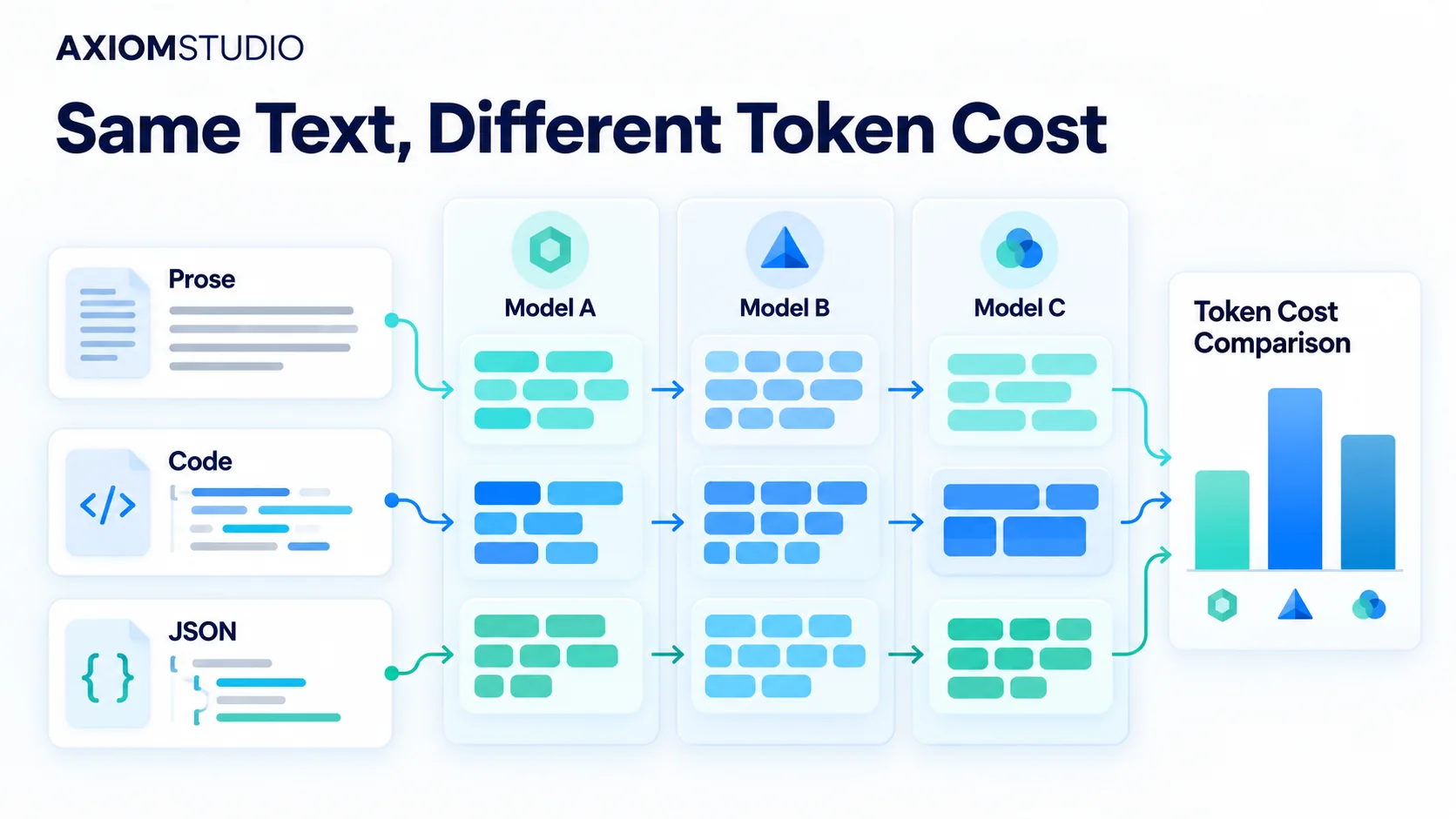
If you budget LLM spend from character counts, your estimate is probably wrong in both directions. We ran one sentence, one line of code and one JSON object through four tokenizers. The sentence came out at nine tokens in every case. The code and the JSON did not agree, and the gap came entirely from punctuation and underscores.
So token counts depend on what you send, not only on which model you pick. Measure your real payloads with each model’s own tokenizer before you compare prices.
A token is the unit a model reads and bills: a whole word, part of a word, a space or a symbol. Each model family ships its own tokenizer, and that tokenizer decides where the cuts fall.
How we tested four tokenizers
We used the three samples below, saved as files so every tokenizer saw the same bytes:
- Prose:
Reset the order after the payment check fails.(46 characters) - Code:
if (!payment.ok) order.reset();(31 characters) - JSON:
{"payment_ok":false,"action":"reset_order"}(43 characters)
We counted them on 29 October 2026, when we updated this post, with tiktoken 0.8.0 and Hugging Face tokenizers 0.20.3, loading the published tokenizers for Qwen2.5-7B-Instruct and Mistral-7B-v0.1. None of this needs an API key. The snippet below reproduces the JSON row; change the file or the tokenizer name to rerun the others.
import tiktoken
from tokenizers import Tokenizer

text = open("sample.json").read()
print(len(tiktoken.get_encoding("o200k_base").encode(text)))
print(len(Tokenizer.from_pretrained("mistralai/Mistral-7B-v0.1").encode(text, add_special_tokens=False).ids))| Tokenizer | Used by | Prose | Code | JSON |
|---|---|---|---|---|
o200k_base |
OpenAI GPT-4o family | 9 | 8 | 11 |
cl100k_base |
OpenAI GPT-4 and GPT-3.5 Turbo | 9 | 8 | 11 |
| Qwen2.5-7B-Instruct | Qwen2.5 models | 9 | 8 | 11 |
| Mistral-7B-v0.1 | Mistral 7B | 9 | 10 | 13 |
We left Claude and Gemini out of this run. Anthropic and Google both offer token-counting APIs (Claude, Gemini), so send them the same files before you compare those models.
Why do code and JSON split differently?
The prose split the same way in all four: one token per word plus one for the full stop. Common English words are in every vocabulary.
Code is where the vocabularies part ways. The OpenAI and Qwen tokenizers keep .ok and .reset as single pieces. The Mistral 7B tokenizer splits each into a dot plus the word, so the same line costs 10 tokens instead of 8:
o200k_base   if | (! | payment | .ok | ) | order | .reset | ();
Mistral-7B   if | (! | payment | . | ok | ) | order | . | reset | ();
The JSON sample splits the same way:
o200k_base   {" | payment | _ok | ": | false | ," | action | ":" | reset | _order | "}
Mistral-7B   {" | payment | _ | ok | ": | false | ," | action | ":" | reset | _ | order | "}
JSON shows the same pattern. _ok and _order stay whole in three tokenizers, but Mistral 7B splits off the underscore every time. That turns 11 tokens into 13. Snake_case keys repeated across a large payload multiply that difference.
Is one token really four characters?
A common shortcut is one token per four characters. On our prose it predicts 12 tokens; the real count was 9, at about 5.1 characters per token. On the JSON with Mistral 7B it predicts 11; the real count was 13, at 3.3 characters per token.
Use the shortcut for a first guess on a napkin. Do not use it in a budget, and never apply one ratio to prose and JSON alike.
Count the request you actually send
The visible user text is often the smallest part of a request. System instructions, chat history, retrieved documents, tool definitions and output-format rules all count. Google’s token counting guide says system instructions and tools count toward usage. It shows how to call countTokens before generation and read actual usage afterwards. OpenAI’s tokenizer page points to tiktoken for counting in code.
Capture one full request body from your app and count that, not a copy pasted into a text box. If the app sends tool schemas as JSON, the punctuation effect above applies to every call. Our guide to reducing token use in MCP tools covers ways to trim those schemas.
How to turn token counts into cost
Once you have counts per model, the arithmetic is simple:
cost = input tokens × input rate + output tokens × output rate + other billed tokens × their rates
Convert every rate to the same unit, such as dollars per million tokens, and take the rates from the provider’s pricing page on the day you test. Then add the calls you didn’t plan for. A cheap first call stops being cheap when bad output triggers three retries and ten minutes of review. Compare models on cost per accepted result for the same task, not on token price alone, and track it by team and task as the AI FinOps guide describes. Our guide to reading model metadata covers the other fields, such as context limits, output caps and rate limits, that decide whether a model fits the job at all.
Run the check on your own payloads
- Save three to five real request bodies as files: one prose-heavy, one with code, one with your largest JSON or tool schema.
- Count each with the tokenizer for every model you are considering, and record the tokenizer name and version.
- Rerun the same files after any change to the model, prompt, tool or SDK, and alert when a count moves more than you expect.
If you route traffic through a gateway, it can record the provider’s own usage numbers per model, so you can compare the estimate with what you were billed.
Takeaways
- Tokenizers agree on plain English and disagree on code and JSON. In our samples the whole gap came from dots and underscores.
- The four-characters-per-token rule over-counted our prose by a third and under-counted Mistral 7B’s JSON.
- Budget from counts of your real request bodies, measured with each model’s own tokenizer.
Want token counts you can check against your bill? Explore the LLM Gateway to track token use and cost by provider and model in one place.
Frequently Asked Questions
Why does the same text produce different token counts on different models?
Each model family uses its own tokenizer vocabulary. Common English words are whole tokens almost everywhere, but punctuation, dots and underscores in code and JSON are split differently. In our test, one line of code was 8 tokens on OpenAI and Qwen tokenizers and 10 tokens on Mistral 7B.
Is one token equal to four characters?
Only as a rough first guess. Our prose sample averaged about 5.1 characters per token, while our JSON sample on Mistral 7B averaged 3.3 characters per token. Do not use a single ratio in a budget, and never apply the same ratio to prose and JSON.
How do I count tokens for an LLM request?
Save a full request body from your app, including system instructions, chat history, retrieved documents and tool definitions, then count it with the tokenizer for each model you are considering. tiktoken covers OpenAI encodings, Hugging Face tokenizers covers open models, and Google provides a countTokens call for Gemini.
Why does JSON cost more tokens than plain text?
JSON packs more symbols into fewer characters. In our test, 43 characters of JSON became 11 tokens on the OpenAI and Qwen tokenizers, while 46 characters of prose became 9. Braces, quotes, colons and snake_case keys each take their own tokens, and some tokenizers also split off underscores, which pushed the same JSON to 13 tokens on Mistral 7B.
How should I compare LLM costs across models?
Count your real payloads with each model's tokenizer, multiply input and output tokens by the current rates on the provider's pricing page, then add retries and review time. Compare models on cost per accepted result for the same task, not on token price alone.
Written by
Axiom Studio