How to Read Model Metadata: Context Window, Max Output, Cutoff, License, and Limits
Learn how context windows, output limits, knowledge cutoffs, licenses, and rate limits affect LLM cost, reliability, and deployment.
 Axiom Studio October 20, 2026 6 min read
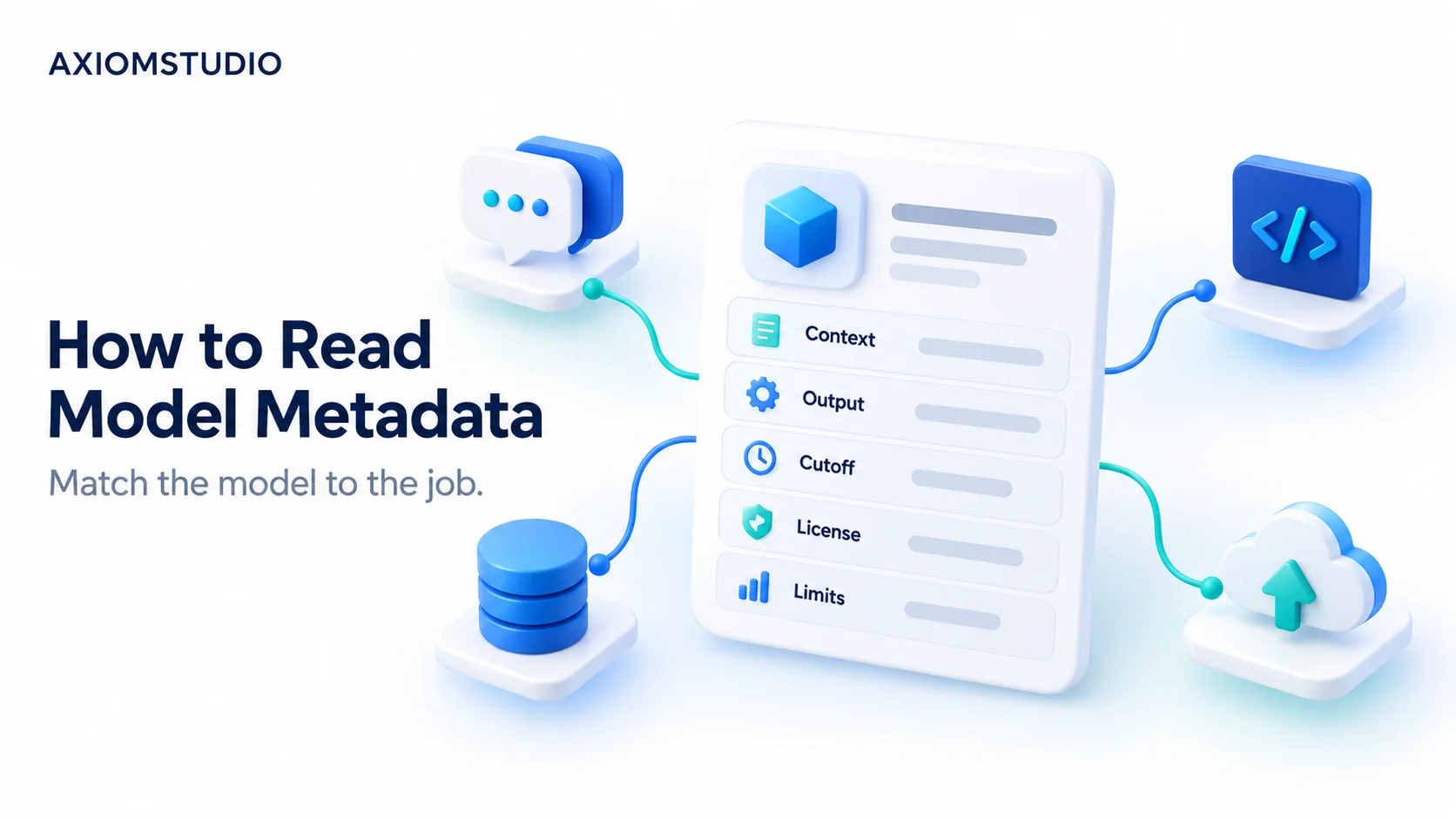
A model card can look like a wall of numbers. A large context window sounds powerful. A new cutoff date sounds current. A low token price sounds cheap.
None of those fields can choose the model for you.
Model metadata is a set of limits and facts. You must connect each field to the job your app needs to do.
Start with the task
Write one sentence before you compare models.
For example: “Read a 60-page policy, answer five questions, return JSON, and finish in 20 seconds.”
That sentence gives you a better filter than a leaderboard. It tells you to check input size, output size, structured output, latency, and access limits.
Context window
The context window is the total amount of information a model can use in one request or conversation. It may include system instructions, user text, files, tool results, chat history, and the model’s output budget.
A large number does not mean the model will use every token well. Long inputs can hide the useful detail. They also cost more to send and may take longer to process.
Test with your own longest real inputs. Put key facts near the start, middle, and end. Check whether the model finds each one.
Maximum output
Maximum output is the most the model can return in one response.
This matters for reports, code, plans, and large JSON objects. A model may accept a long input but allow a much shorter output. Your app must leave room for the answer.
Do not set the maximum high for every request. Long output raises cost and can increase wait time. Set a task limit, then handle a cut-off response.
Knowledge cutoff
A cutoff date tells you how recent the model’s training knowledge may be. It does not promise that every fact before that date is correct. It also does not give the model live access to current data.
For prices, laws, product features, security notices, and news, use a trusted current source. Add retrieval or a tool when the job needs fresh facts.
Record the date you checked the model page. Providers can update model names, limits, and status.
License
The license tells you what you may do with model weights, code, or output. “Open weight” does not always mean open source.
Check:
- Commercial use
- Redistribution
- Hosting limits
- Use restrictions
- Required notices
- Changes to the license by model version
Ask legal counsel about high-risk use. A blog post or model card is not a license review.
API models also have service terms and data rules. Those can matter even when there are no weights to download.
Rate and access limits
Rate limits control how much work you can send in a time window. Providers may measure requests, input tokens, output tokens, or concurrent jobs.
A model can fit the task and still fail in production when traffic rises.
Check the limit for your account and region. Preview models may have tighter access or change faster. A model listed on a page may not be available to every project.
Build retry rules for temporary errors. Use backoff. Do not start a retry storm.
Price fields
Read every price field, not just one headline number.
Common fields include input tokens, output tokens, cached input, batch calls, image or audio units, and tool fees. Reasoning models may also use internal work that affects billing or limits.
Estimate one full task:
- Count prompt and retrieved tokens.
- Add the expected output.
- Add retries and failed calls.
- Add cache misses.
- Add human review time.
- Multiply by expected traffic.
Use a range, not one perfect number. Traffic and output length change.
Capability labels
Labels such as “coding,” “reasoning,” or “fast” are helpful hints. They are not proof for your workload.
Create a small test set from real tasks. Remove private data. Score the answer, format, latency, and review work. Keep the same test set when a model version changes.
A simple model metadata card
For each model, record:
- Exact model ID
- Provider
- Release or update date
- Preview or general availability status
- Context window
- Maximum output
- Knowledge cutoff
- Input and output types
- Tool and structured output support
- Rate limits for your account
- Price fields
- License or service terms
- Regions and data controls
- Deprecation date, if listed
- Date you verified the card
Do not copy one number from an old comparison page. Link each field to the provider’s current official source.
Match fields to workloads
A support bot needs current company data, short answers, stable tool calls, and low delay.
A code migration tool needs repo context, long output, tool use, and strong tests.
A batch document job can accept a longer wait. It may benefit from batch pricing, but only if the deadline allows it.
A health or finance workflow needs strong data controls and human review. Model metadata is only one part of that system.
Use a gateway as a catalog point
A model gateway can give teams one place to list approved model IDs and routes. It can also track usage, errors, and cost across providers.
Axiom’s LLM Gateway docs describe model-aware routing, centralized credentials, usage analytics, cost tracking, and audit logs. These controls help teams operate models. They do not replace provider terms, model testing, or human review.
Use the LLM Gateway, its documentation, routing guidance, and observability guidance to connect model facts to production controls.
A 30-minute review before adoption
- Open the provider’s current model page.
- Copy the exact model ID and status.
- Record context and output separately.
- Check cutoff, inputs, tools, and format support.
- Read every price field.
- Check your account limits.
- Read the license or service terms.
- Run three real sample tasks.
- Record failures and review time.
- Set a date to check the card again.
This short review can prevent a long rewrite later. OpenAI’s model documentation is one example of a provider page that lists current model capabilities and status.
Research checked: 2026-10-20. Exact provider numbers are intentionally omitted because they change. Verify all model values on the provider’s official model page on publication day.
Written by
Axiom Studio