Anatomy of an AI Code Review Agent
See how an AI code review agent reads a diff, gathers context, applies rules, runs checks, and turns findings into evidence a human can verify.
 Axiom Studio October 21, 2026 8 min read
On this page
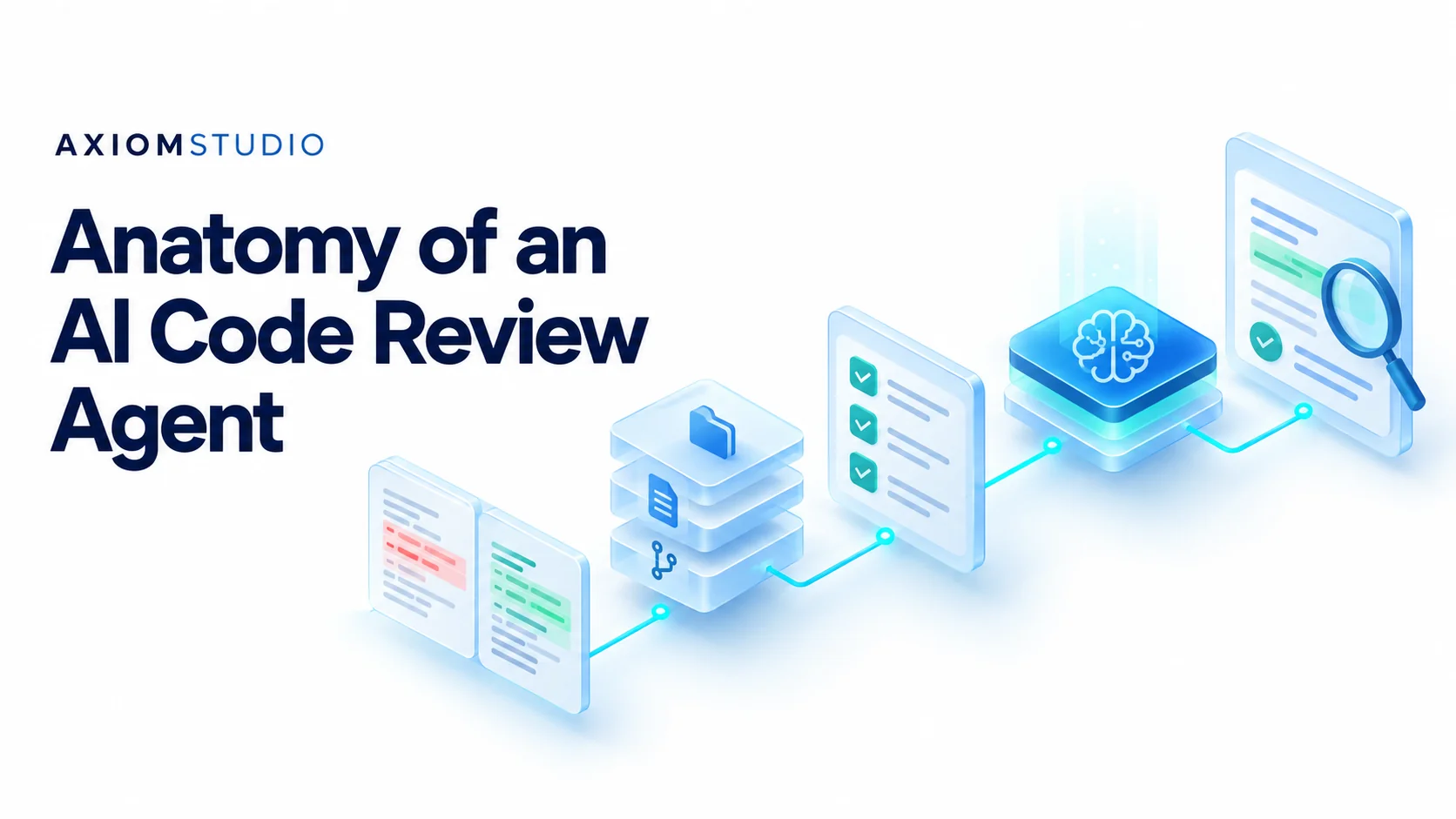
An AI code review agent turns a pull request into findings a person can verify. It does that in five stages: read the exact diff, gather nearby repository context, load the team’s review rules, run repeatable checks alongside model review, and merge duplicates into one evidence-backed report.
A finding is only as trustworthy as what the agent read first: just the changed lines, or also the caller, the rules and a failing test.
Our own review agent, Vera, points to the exact file and line and states each finding as a trigger, an impact and the evidence. The stages below are our reference design, not any vendor’s internals, and the examples use a made-up retail app.
How an AI code review agent works
A pull request, or PR, asks the team to accept a code change. The review agent processes it like this:
flowchart TD
  A[Pull request] --> B[Read exact diff]
  B --> C[Gather repo context]
  C --> D[Load review rules]
  D --> E[Repeatable checks]
  D --> F[Model review]
  E --> G[Merge findings]
  F --> G
  G --> H[Human reviewer decides]
The pull request passes through diff, context and rules, splits into repeatable checks and model review, then merges into one report for a human.
Logs should follow the whole path, because a final answer alone does not show what the agent looked at; the AI observability guide explains why. If faster AI-written code is already filling your queue, start with the AI code review bottleneck.
1. Read the exact change
Start with the base and head commit IDs, which name the old and new code versions. Keep them with the review so everyone knows which patch was checked.
Parse the diff into files and changed blocks. Track added lines, removed lines, renamed files and changed tests. Mark generated files and large data files so they do not crowd out code that needs attention.
Do not silently skip files that exceed a limit. List what was not reviewed and why. “No issue found” means little if the agent never saw half the patch.
Suppose a retail app changes an order lookup from order ID plus store ID to order ID alone. The diff shows one removed check. It does not yet prove that another store can read the order.
2. Gather the nearby repo context
Next, fetch the code needed to judge that change: callers, data types, access checks and related tests. Start close to the changed code and expand when a question needs more evidence.
In the order example, the agent should check where the store ID comes from, and whether another layer still limits the lookup to the right store.
Diff only
- Fewest tokens per call
- Can hide the check that makes the change safe
- Cannot see callers or related tests
Diff plus nearby context Recommended
- Callers, data types, access checks and tests
- Expands only when a question needs evidence
- Avoids sending the entire repo every time
Sending the entire repo on every review wastes tokens and buries useful facts. The aim is enough context to test the claim.
Use a known code version for each read. Do not mix a diff from one commit with a helper file from a later commit. Record missing files or failed tool calls as limits in the review.
3. Load rules the team can trace
A rule pack is a set of review rules. Keep each rule small, with an owner, a scope and an example. A rule for billing code may not belong in a text-only change.
For the sample app, a rule could say: “Every order read must be limited to the active store.” Include the rule’s source and version in any finding that uses it. For a packaged example, see our code review skill guide.
Real products load such guidance differently. GitHub’s Copilot review guide describes repository-wide and path-specific instructions. That is one product’s feature, not proof that every review tool reads the same files.
4. Combine repeatable checks with model review
Run checks that have clear answers first: formatting, types, tests and known static rules. Then use the model for questions that need broader context, such as whether a change breaks a flow across files.
Give the model a clear output shape. In the sample app, a useful finding fills every field:
| Field | Sample finding |
|---|---|
| File and line | The removed store filter in the order lookup |
| Suspected fault | The new lookup drops the store filter |
| Why it matters | A user from store A might fetch a store B order |
| Evidence | The removed filter and the caller it checked |
| How to confirm | Fetch a store B order as a store A user |
If the agent runs a test, save the command and result. If it only suggests a test, say so. A test plan is not a passed or failed test.
Use a restricted test environment with no live customer records or production write access. The team decides which actions need human approval; our AI operations guide covers ownership and controls for agent work.
5. Remove repeat findings without losing evidence
Two checks may find the same fault, and one fault may sit beside an unrelated one. Decide what to merge by cause, not by position:
| Situation | What to do |
|---|---|
| Same cause, same code location | Merge into one item and keep the best evidence from each check |
| Same line, different faults | Keep separate: a missing access check and a bad error message need different fixes |
| Style tip beside an access or data fault | Sort by impact and keep style tips apart |
| Patch changed since the finding | Mark the finding against the old commit and rerun checks before calling it fixed |
The number of comments is not a score for review quality. Make the current review version easy to see.
What the human should receive
The final review should show the code version, files checked, skipped areas, findings and test evidence, with uncertainty easy to spot.
For each finding, a reviewer should be able to answer: “Can I reproduce this? Does the rule apply? What needs to change?”
In our sample, the human checks the store boundary and decides whether the proposed fix covers it. A plausible model comment is a lead to inspect, not proof that the code is unsafe or that the patch is ready to merge.
Count the full cost of a review
Track model calls, context size, tool time, retries and human effort. Record how many findings led to useful fixes and how many were false alarms; our guide to measuring AI code review agents turns those counts into precision and recall.
A small prompt can cost less per call and still cost more overall if it misses context and needs repeated attempts. A large prompt can cost more without adding useful evidence.
Our AI FinOps guide helps connect spend with results. Compare cost per useful review on similar PRs, with the same rules and checks, never a tiny text edit against a large billing change.
Start with one repo and one clear rule
- Pick a small sample of changes. Include a known fault, a safe change that looks odd and a patch the agent cannot fully inspect.
- Run the agent with one clear rule. Check whether it finds the fault, avoids a false alarm and admits the limit.
- Save the run. Keep the code, rule version and results so the team can rerun the test after a model or tool update.
- Map evidence to each gate. Ask what evidence reaches each review gate, and what still needs a person to decide.
In VibeFlow, the same work item also goes through security and QA review, and blockers go back to the coding agent.
Bottom line
- A finding is only as good as what the agent read: the exact diff, the code around it and the rule it applied.
- Keep repeatable checks and model review separate, then merge findings by root cause without losing evidence.
See the five stages on your own pull requests. Vera AI code review is free on GitHub, GitLab and Bitbucket.
Frequently Asked Questions
What is an AI code review agent?
An AI code review agent is software that inspects a pull request by reading the diff, gathering repository context, applying team review rules, running checks, and reporting findings with evidence a human reviewer can verify.
What does an AI code review agent need to inspect a pull request?
It needs the exact diff and commit versions, nearby repository context, applicable review rules, repeatable check results, and enough evidence for a person to verify each finding.
Why is reviewing only changed lines not enough?
A changed line can depend on callers, data types, access checks, and related tests. Nearby repository context helps the agent test whether the change is safe in the flow around it.
How should teams evaluate AI code review quality?
Use a test set with known faults and safe changes, then track useful fixes, false alarms, missed issues, tool time, model calls, retries, and human effort.
Does an AI review finding prove that code is unsafe?
No. A finding is a lead to inspect. A human still needs to reproduce the concern, confirm that the rule applies, and decide what change is appropriate.
Written by
Axiom Studio